

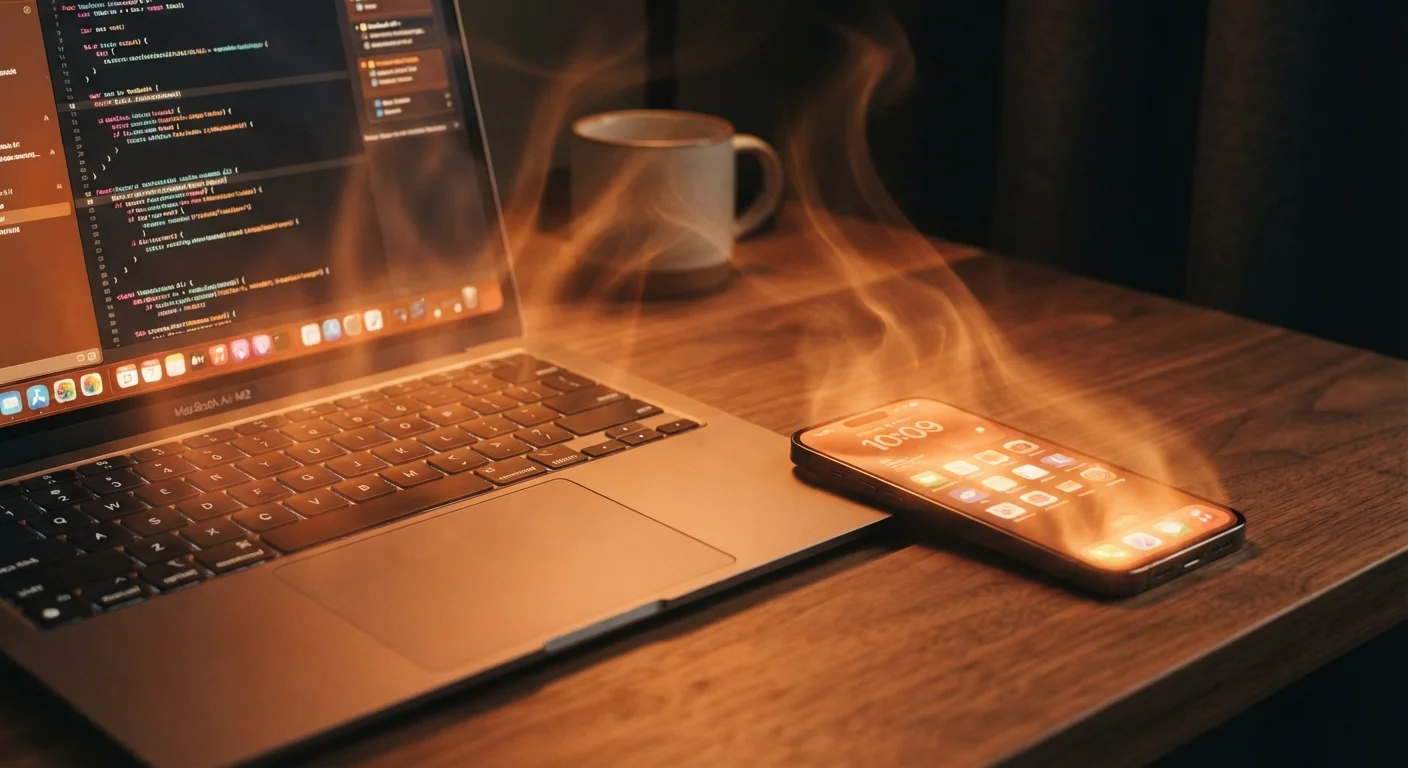
Why Devices Get Warm in the First Place
Every processor inside your phone, laptop, or tablet converts electrical energy into work — and some of that energy escapes as heat. This isn't a defect; it's basic physics. The harder a chip works (think streaming 4K video, running a game, or syncing large files), the more heat it produces.
Modern devices are designed with this in mind. Laptops use fans and heat pipes. Phones rely on thermal spreaders — thin metal layers that distribute heat away from the chip. Tablets often use a combination of both. When these systems are working correctly, a device may feel warm to the touch but stays within safe operating ranges. That warmth, on its own, is not a problem.
Where things go wrong is when that heat can't escape fast enough — or when the device is being pushed beyond what it was designed to handle. See our guide to starting a new gadget off right for habits that support healthy long-term performance from the beginning.
Common Mistakes That Make Overheating Worse
Most cases of harmful overheating aren't caused by hardware failure — they're caused by how people use and store their devices. Understanding these patterns is the first step to avoiding them.
Blocking the device's vents or placing it on soft surfaces like pillows, beds, or laps while it's under load.
Why it happens: It feels natural to use a laptop in bed or rest a phone face-down on a couch cushion, but soft materials trap heat and block airflow.
Charging a device in a hot environment — inside a car on a summer day, in direct sunlight, or on top of another heat-generating device.
Why it happens: People often charge wherever it's convenient, without factoring in the ambient temperature around the device.
Running too many demanding apps simultaneously without realizing the cumulative heat load.
Why it happens: Multitasking feels seamless on modern devices, so it's easy to underestimate how much the processor is actually doing.
Using a third-party charger that delivers voltage or current outside the device's specifications.
Why it happens: Generic chargers are cheap and widely available, and most people assume any charger with the right connector is safe.
Ignoring heat as a warning sign and continuing to push the device through demanding tasks when it's already too warm.
Why it happens: People often assume that because the device is still functioning, it must be fine — modern hardware feels resilient.
Don't Charge Under Your Pillow
Placing a charging phone or tablet under a pillow or bedding is one of the most common causes of serious device overheating. The combination of charging heat, blocked airflow, and insulating fabric can push temperatures well past safe limits very quickly. Always charge on a hard, open surface — never buried in soft materials, and never left unattended overnight in an enclosed space.
When Heat Actually Becomes a Problem
Heat becomes genuinely dangerous when it exceeds a device's designed thermal limits for a sustained period. The consequences are real: lithium-ion batteries degrade faster when repeatedly exposed to high temperatures, processors throttle their speed to protect themselves (which is why an overheating phone suddenly feels sluggish), and in rare cases, components can fail permanently.
~20°C
Battery lifespan drop per temperature increase
Battery University, a widely cited reference resource, notes that lithium-ion battery cycle life can roughly halve for every sustained 10–20°C increase above room temperature during storage or use.
95°F+
Ambient temperature that stresses most smartphones
Major smartphone manufacturers generally list 95°F (35°C) as the upper limit for safe operating temperatures in their published device specifications.
One of the clearest signs of a serious problem is unexpected shutdown — the device powers off entirely to protect its internals. A swollen or bulging battery is an urgent red flag and should be addressed by a qualified repair technician immediately; do not continue using or charging a device with a visibly deformed battery. A burning smell is also a stop-and-unplug situation, no exceptions.
If your device runs unusually hot even while idle — not during heavy tasks — that can indicate a software issue like a runaway background process. Poorly managed apps and background processes are a common culprit behind both sluggishness and excess heat.
A Swollen Battery Is an Emergency
If your device's battery appears swollen, bulging, or is causing the casing to separate, stop using it immediately and do not attempt to charge it. A swollen lithium-ion battery can rupture or catch fire. Take it to a qualified repair technician or an authorized service center as soon as possible. Do not puncture, compress, or attempt to remove the battery yourself.
The content on this site is for informational purposes only and is not a substitute for professional advice. Always consult a qualified professional for guidance specific to your situation.