

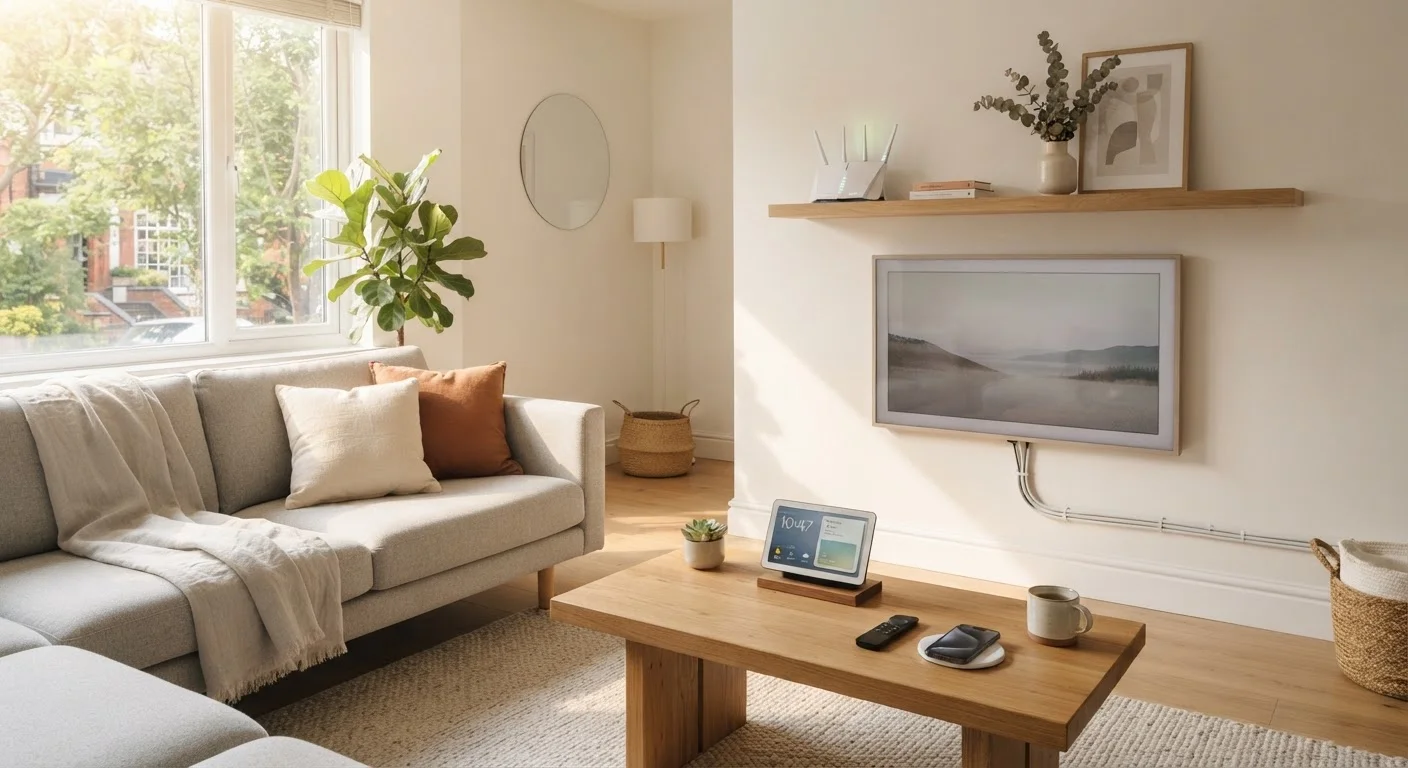
Summary
22 items · 1–3 hours depending on home size and number of devices
Why a Structured Tech Setup Matters
Moving into a new home is chaotic enough without discovering three weeks later that half your devices are on the wrong network or your router has been sitting in a closet throttling your speeds. A methodical tech setup — done once, done right — means fewer dropped video calls, more reliable smart home devices, and a network you actually understand.
This checklist walks you through every layer of a home tech setup, from physically placing your router to locking down your network and connecting every device category. Whether you're moving into your first place or your fifth, these steps apply. If you're new to renting, our first apartment guide covers the practical groundwork — including utility setup — that often comes before any tech decisions.
Router or Mesh Wi-Fi System
Creates and broadcasts your home Wi-Fi network; choose one that covers your home's square footage.
Ethernet Cables
Used for wired connections between your modem, router, and stationary devices like desktop computers.
Password Manager App
Securely stores your network passwords, router admin credentials, and device login info.
Speed Test Tool (e.g., via browser)
Verifies that your internet connection is delivering the speeds included in your service plan.
Cable Labels or Masking Tape
Marks each cable at both ends so connections stay identifiable after setup.
Surge Protector / Power Strip
Protects connected devices from power spikes and provides enough outlets for your tech equipment.
How to Use This Checklist
Work through the groups in order. The first two groups — Network Foundation and Network Security — must be completed before you connect any other devices. Everything else, including TVs, smart speakers, and computers, depends on having a working, secured network underneath it.
Mark each item as you go. If you skip something, note why — so you can return to it rather than forget it entirely. For a deeper look at everything that eventually lives on your home network, see our guide on what's connected to your home network.
Network Foundation
Network Security
Computers and Phones
Entertainment and Smart Home Devices
Organization and Documentation
Never Skip the Router Firmware Update
Routers ship with software that may be months or years old by the time you set them up. Unpatched firmware is one of the most common entry points for network intrusions. Log into your router's admin panel on day one and apply any available updates before connecting other devices.
After the Checklist: Next Steps
Once all your devices are connected and secured, take a few minutes to document your setup. Write down your network name, the location of your router, and any device-specific login info in a secure place (a password manager works well for this). This becomes invaluable if something stops working months later.
If any of your newly connected devices are gadgets fresh out of the box, read our guide on keeping a new gadget running well from day one — the first setup choices you make shape long-term performance. And if smart home devices are part of your plans, getting started with smart home devices explains how they connect and what to expect.
Default Passwords Are a Security Risk
Routers, smart home hubs, and cameras often arrive with the same default admin credentials printed on the device or in the manual — meaning those passwords are publicly documented online. Changing them immediately is not optional. Any device left with a default password is potentially accessible to anyone who knows the brand's defaults.
The content on this site is for informational purposes only and is not a substitute for professional advice. Always consult a qualified professional for guidance specific to your situation.