

Why Device Security Layers Matter
Your phone and laptop hold more sensitive information than most people keep in a filing cabinet — banking details, personal messages, health data, and passwords to dozens of accounts. A single weak point is all it takes for that information to be exposed.
Think of device security like a deadbolt plus an alarm system on your front door. Each layer serves a different purpose, and together they're far more effective than either one alone. The good news: modern devices come with robust security tools built in, and using them well doesn't require technical expertise.
For broader context on keeping your devices safe beyond the lock screen, see our guide on home network security habits.
80%+
Of breaches involving stolen or weak credentials
Verizon's Data Breach Investigations Report consistently attributes a large majority of hacking-related breaches to compromised credentials.
10,000
Possible combinations in a 4-digit PIN
A 4-digit PIN has exactly 10,000 unique combinations, compared to one million for a 6-digit PIN — a 100x improvement.
30 sec
Lifespan of a TOTP authenticator code
Time-based One-Time Passwords (TOTP) expire every 30 seconds, making intercepted codes effectively useless to attackers.
Passwords and PINs: The Foundation
Passwords and PINs (Personal Identification Numbers) are the most fundamental form of device access control. When everything else fails — when biometrics can't read your face or fingerprint — your device will fall back to one of these.
What makes a strong password?
Length is the single biggest factor. A 12-character password made up of random words (passphrase style) is exponentially harder to crack than an 8-character mix of letters and symbols. Avoid dictionary words, names, or sequences like 123456. Password managers can generate and store strong, unique passwords so you never have to memorize them.
PIN vs. password on your phone
A 6-digit PIN is considerably more secure than a 4-digit one — a 4-digit PIN has only 10,000 possible combinations, while 6 digits has one million. Many phones also support alphanumeric passcodes, which are harder still to guess. If your phone supports it, using a longer PIN or a short passphrase is worth the few extra seconds it takes to unlock.
Set your phone to require a PIN after a short idle period — five minutes or less. Convenience features like "stay unlocked near trusted devices" can quietly create gaps in your protection.
Most unauthorized phone access happens opportunistically when a device is left unattended and unlocked, not through technical hacking.
When setting up a new account, immediately pair it with an authenticator app before you need it. Trying to enable 2FA after you've lost access to an account is significantly harder.
Account recovery processes are often the weakest link in the chain — getting 2FA in place proactively avoids that vulnerability entirely.
Biometrics: Convenience Meets Security
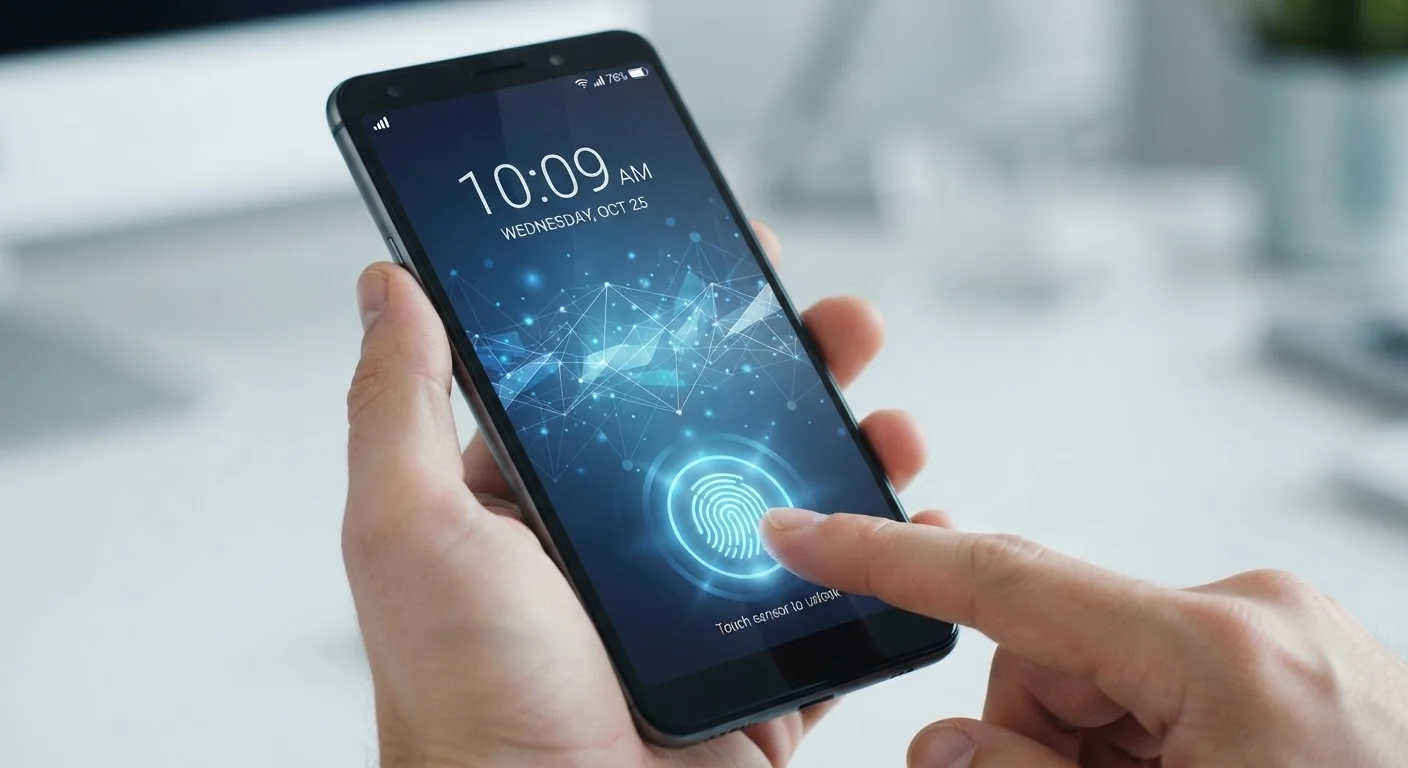
Biometric authentication uses something unique about your body — a fingerprint, your face, or your iris — to verify your identity. It's the reason you can unlock your phone with a glance instead of typing a passcode.
Fingerprint sensors
Capacitive fingerprint sensors map the ridges and valleys of your fingertip using electrical signals. In-display optical sensors take a light-based image instead. Both methods store a mathematical representation of your fingerprint (not an actual image) on a secure chip inside the device — your fingerprint data never leaves the hardware.
Face recognition
There are two broad types. Basic 2D face unlock uses the front camera — it's fast but can sometimes be fooled by a photo. More advanced 3D face recognition (such as Apple's Face ID) projects thousands of invisible infrared dots to create a depth map of your face, making it far harder to spoof.
Biometrics Are Not the Last Line of Defense
Every phone that supports biometric unlock also requires a PIN or password as a fallback — and that fallback can always be used to bypass biometrics. This means a weak PIN undermines your fingerprint or Face ID entirely. Treat your PIN as the true foundation of your device's security, and choose it accordingly.
One important practical note: courts in the U.S. have, in some cases, ruled that law enforcement can compel biometric unlocking more readily than a password or PIN. If that's a concern for you, switching to a PIN in high-risk situations is worth considering.
Authenticator Apps and Two-Factor Authentication
Two-factor authentication (2FA) means proving your identity in two different ways — typically something you know (a password) and something you have (your phone). Authenticator apps are one of the strongest forms of 2FA available to everyday users.
How authenticator apps work
Apps like Google Authenticator or Authy generate a six-digit code that refreshes every 30 seconds using an algorithm tied to a shared secret key set up when you link your account. Because the code expires so quickly, even if a bad actor intercepts it, it's useless within half a minute. This is called TOTP — Time-based One-Time Password.
Why authenticator apps beat SMS codes
Text message (SMS) codes are better than no 2FA, but they have a known vulnerability: SIM-swapping, where an attacker convinces your carrier to transfer your number to their device. Authenticator apps generate codes entirely on your physical device, with no cellular connection required, making SIM-swapping irrelevant.
If you regularly use shared or public computers, pairing a strong authenticator app with your accounts adds a critical safety net. Our guide on protecting your data on shared computers covers additional precautions for those situations.
How These Layers Work Together
The real power of device security comes from combining these methods rather than relying on just one. Here's a practical layered approach that works for most people:
- Strong PIN or passphrase as the device unlock fallback — always required.
- Fingerprint or Face ID for day-to-day convenience — fast and secure enough for routine use.
- Authenticator app enabled on important accounts (email, banking, social media) — protects your accounts even if your password is compromised elsewhere.
Think of it this way: your biometric protects your device, and your authenticator protects your accounts. A stolen password on its own becomes nearly useless to an attacker if they still need the time-limited code from your physical phone to log in.
Before handing your device to a repair shop, it's worth understanding what access each security method grants. Our pre-repair checklist walks through what to do before anyone else handles your device.
“The password is the worst form of authentication, except for all the others that have been tried — until you layer them together. Combining a strong passphrase with a second factor closes the gaps that either one leaves open on its own.”
— Security Researcher (paraphrased principle widely cited in information security literature), Information security practitioner perspective
Common Mistakes to Avoid
Even well-intentioned users fall into habits that undercut their security. These are the most common pitfalls:
- Reusing passwords across accounts. If one site is breached, every account sharing that password becomes vulnerable. Use unique passwords for each account — a password manager makes this manageable.
- Short PINs on phones. A 4-digit PIN is fast to enter but also fast to guess. Upgrading to 6 digits or a short passphrase costs almost no time per unlock.
- Relying only on biometrics. Biometrics are a convenience layer, not a replacement for a strong PIN. If your biometric fails or is disabled, your PIN is what stands between an attacker and your data.
- Skipping 2FA because it feels complicated. Setting up an authenticator app takes about five minutes per account. That one-time investment protects you from the most common account takeover method — stolen or leaked passwords.
- Using SMS codes when authenticator apps are available. Both are better than nothing, but authenticator apps are meaningfully harder to intercept.
Understanding how scammers try to get around these protections is equally important — our article on how phishing and smishing scams work explains the tactics used to steal credentials in the first place.
Start With Your Most Important Accounts
You don't have to secure everything at once. Begin by enabling an authenticator app on your email and banking accounts — these are the highest-value targets because they can be used to reset access to nearly everything else. Once those are protected, work outward from there.
If you're newer to setting up these tools and want a foundation in how personal devices work generally, Personal Computing From Scratch is a useful starting point.
The content on this site is for informational purposes only and is not a substitute for professional advice. Always consult a qualified professional for guidance specific to your situation.