

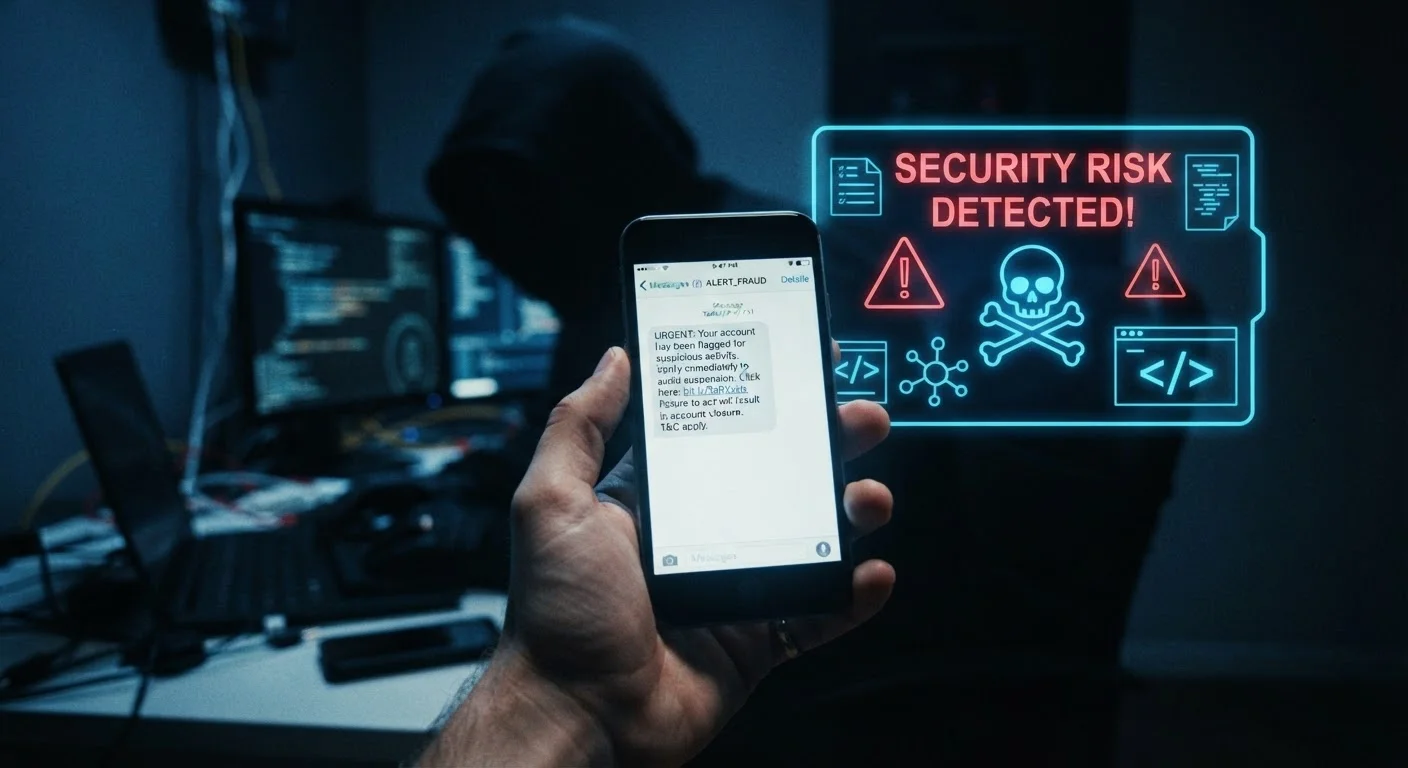
Phishing: The Original Digital Con
Phishing is the practice of sending fraudulent emails crafted to look like they come from a trustworthy source — your bank, the IRS, a shipping carrier, or even a colleague. The name is a deliberate play on "fishing": scammers cast a wide net and wait for someone to bite.
Here's how it works mechanically. An attacker registers a domain that looks plausibly real — say, paypa1.com instead of paypal.com — and builds a website that mirrors the original almost perfectly. They send out thousands or millions of emails directing recipients to log in, verify their account, or claim a package. Anyone who enters their credentials hands them directly to the attacker.
The emails themselves are engineered to bypass your skepticism. They use official logos, matching fonts, real-looking email footers, and, most importantly, urgent or alarming language: "Your account has been compromised — act within 24 hours." That manufactured urgency is the trigger. It short-circuits careful thinking.
Hover Before You Click
Before clicking any link in an email or text, take a moment to verify where it actually points. On a desktop, hover your mouse over the link and check the URL that appears in the browser's status bar. On a smartphone, press and hold the link to reveal the destination. If the domain is misspelled, unfamiliar, or uses a URL shortener you didn't expect, don't proceed.
To check where a link actually points before clicking it, hover your mouse over it on a desktop — the real destination URL appears in the bottom-left corner of your browser. On a phone, press and hold the link to preview it. If the domain looks unfamiliar or slightly misspelled, don't tap it.
Smishing: Phishing Moved to Your Text Messages
Smishing (a blend of "SMS" and "phishing") follows the same playbook as email phishing but arrives as a text message. Because texts feel more personal and immediate than emails, many people lower their guard when reading them.
A typical smishing message might claim your debit card has been frozen, a package couldn't be delivered, or your account shows suspicious activity. It includes a short link — often disguised using a URL shortener — that leads to a fake login page. Enter your username and password there, and you've handed over your credentials.
Smishing has grown more prevalent partly because phone numbers are easier to spoof in bulk than email addresses are. Scammers can also tailor messages using publicly available data: if your area code suggests you're in a region recently hit by storms, they might fabricate a message about disaster relief payments. The specificity makes the message feel real.
~3.4B
Phishing emails sent per day globally
Security researchers estimate billions of phishing emails circulate daily, making it one of the most common cyberattack vectors worldwide.
98%
Of cyber attacks rely on social engineering
According to cybersecurity industry analyses, the vast majority of successful attacks exploit human behavior rather than purely technical vulnerabilities.
$10B+
Lost to internet crime in one year
The FBI's Internet Crime Complaint Center (IC3) reported over $10 billion in losses from internet crime in its 2022 annual report, with phishing among the most reported categories.
A key defense: treat unsolicited texts the same way you'd treat unsolicited emails. If a text claims to be from your bank, don't use its link. Instead, open your bank's official app or type the URL yourself. For tips on keeping your device itself secure, see our guide on locking down your devices with passwords, PINs, and authenticator apps.
Spoofed Calls: When the Number Lies to You
Caller ID was designed to help you know who's calling. Spoofing breaks that assumption entirely. Using widely available VoIP tools, a scammer can broadcast virtually any phone number they choose — including the direct line for your bank's fraud department, a government agency, or even your own number.
When you answer and see a familiar number, you're already primed to trust the call. Scammers exploit this immediately: they claim there's fraud on your account, an unpaid tax debt, or a legal matter requiring urgent resolution. They create pressure to act before you can verify anything.
These calls sometimes involve real personal information — your name, partial account numbers, or your address — gathered from data breaches or public records. That detail reinforces the illusion of legitimacy. The scammer is counting on you to conclude: "They already know so much about me, they must be real."
The single most protective habit: if a call feels off or creates pressure, hang up and call back using a number you find independently — from the back of your card, the organization's official website, or a prior statement.
STIR/SHAKEN: The Phone Industry's Anti-Spoofing Standard
The FTC and FCC have taken steps to combat spoofing through regulations requiring phone carriers to implement call authentication standards (known as STIR/SHAKEN). These protocols help verify that a call actually originates from the number displayed. However, adoption is still incomplete, and sophisticated scammers continue to find workarounds, so caller ID alone cannot be fully trusted.
The FTC and FCC have taken steps to combat spoofing through regulations requiring phone carriers to implement call authentication standards (known as STIR/SHAKEN). These protocols help verify that a call actually originates from the number displayed. However, adoption is still incomplete, and sophisticated scammers continue to find workarounds, so caller ID alone cannot be fully trusted.
What All Three Have in Common — and How to Stay Clear
Phishing, smishing, and spoofed calls share a core design: they exploit trust and urgency simultaneously. Each one impersonates something familiar, creates a reason to act fast, and offers a path (a link, a form, a phone agent) that routes you to the attacker instead of the real organization.
Understanding the mechanics shifts the power back to you. When you know a scammer can make a text look like it's from your carrier, or a call appear to come from the IRS, you stop treating the medium as proof of legitimacy. Slow down, verify independently, and never supply credentials or payment information in response to an unsolicited contact.
Beyond awareness, practical security layers matter. Multi-factor authentication means a stolen password alone often isn't enough for a scammer to break into your accounts. Strong authentication practices — including app-based authenticators rather than SMS codes where possible — substantially raise the cost of a successful attack.
Your phone is a powerful personal device, and understanding how it can be weaponized against you is part of using it wisely. For a broader look at how your smartphone operates at a technical level, see our explainer on what your smartphone's specs actually mean.
Frequently Asked Questions
Look for mismatched sender addresses, generic greetings like "Dear Customer," urgent language pressuring immediate action, and links that don't match the organization's real domain. Hover over links before clicking to preview where they actually lead. When in doubt, go directly to the organization's official website instead of clicking anything in the email.
Simply opening a text message is generally safe. The danger comes from tapping any link inside the message, which can lead to a fake site designed to steal your credentials or, in some cases, trigger a malicious download. Never tap links in unsolicited texts — navigate directly to the sender's official site instead.
Scammers use caller ID spoofing technology, which allows them to broadcast any number they choose regardless of where they're actually calling from. Seeing a familiar number does not verify who is calling. If a call feels suspicious, hang up and call the organization back using the number printed on your card or their official website.
Don't enter any information on the page that opens. Close the tab immediately, then change passwords for any accounts that use the same credentials. Run a security scan on your device, and monitor your accounts for unusual activity. If you entered financial information, contact your bank directly right away.
Research suggests older adults are disproportionately targeted, partly because scammers assume less tech familiarity. However, scams succeed across all age groups by exploiting stress, urgency, and trust — not just technical knowledge gaps. Sharing awareness of how these scams work benefits everyone in a household.
It adds a meaningful layer of protection. Even if a scammer obtains your password through phishing, multi-factor authentication (MFA) makes it significantly harder for them to access your account without a second verification step. MFA is not foolproof — some sophisticated attacks try to intercept codes — but it remains one of the most effective defenses available.
The content on this site is for informational purposes only and is not a substitute for professional advice. Always consult a qualified professional for guidance specific to your situation.