

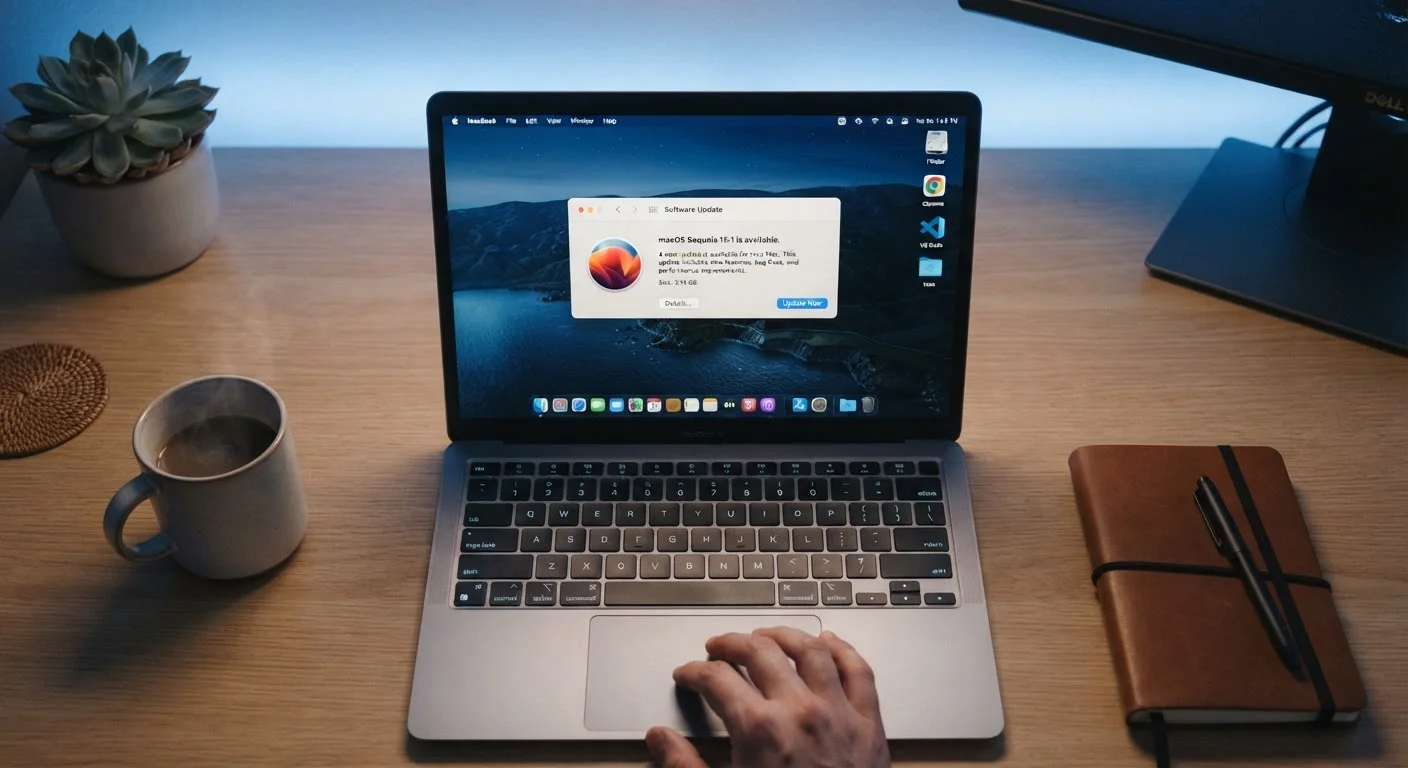
What an OS Update Actually Contains
When your device tells you an update is ready, it's easy to dismiss the prompt — especially if your phone or laptop seems to be working fine. But that notification represents concrete changes to the software layer that controls everything your device does.
OS updates generally fall into three categories:
- Security patches: These close specific, documented vulnerabilities in the operating system. A vulnerability is a flaw in software code that could allow an attacker to access files, intercept data, or run malicious code on your device. Once a flaw is publicly known, a patch is the fix.
- Bug fixes: These correct errors in existing behavior — things like an app that freezes under certain conditions, battery drain caused by a background process, or a Wi-Fi connection that drops unexpectedly. Bugs aren't always dramatic, but accumulating unfixed ones degrades your experience over time.
- Compatibility and behavioral changes: OS updates adjust how apps and hardware components interact with the underlying system. This keeps newer apps functioning correctly and ensures features like Bluetooth, cameras, and payment systems work as intended.
Understanding what's inside the update reframes the choice. You're not installing new features you don't need — you're applying documented corrections to your device's foundation. See our plain-English breakdown of your device's core components to understand what that foundation actually looks like.
The Real Consequences of Skipping Updates
Delaying an OS update for a day or two while you find a convenient time is reasonable. Ignoring updates for months — or indefinitely — is a different matter entirely.
60%+
Of breaches exploit known, patchable vulnerabilities
Security researchers have consistently found that a majority of successful cyberattacks target vulnerabilities for which patches were already available at the time of the breach.
4–7 years
Typical OS support window for flagship smartphones
Major mobile platform makers have extended software support timelines in recent years, giving users a longer window during which updates are actively provided.
Security exposure compounds over time. Each skipped security patch leaves a known vulnerability open. Attackers specifically look for devices running older software because the flaws have been publicly documented after a patch is released. A device that's one or two updates behind is a measurably easier target than one that's current.
App compatibility degrades. App developers write their software to work with current or recent OS versions. When your operating system falls significantly behind, apps may crash more often, display errors, or stop receiving their own updates — because developers stop testing against outdated systems.
You miss stability improvements. Bug fixes aren't glamorous, but they directly affect day-to-day reliability. Persistent issues — a camera that lags, notifications that fail to arrive, a keyboard that autocorrects erratically — are often addressed in routine updates.
Schedule Updates to Run Overnight
On most smartphones and computers, you can set a specific time window for updates to install — typically while the device charges. This removes the inconvenience entirely while keeping your device current. Look for 'Automatic Updates' or 'Active Hours' in your device's settings.
For a deeper look at why your device's performance changes over time, see why smartphones lose speed and what actually helps.
How to Update Without Disruption
The most common reason people skip updates is timing — updates restart devices, and restarting at the wrong moment is inconvenient. The good news is that every major operating system gives you control over when updates happen.
On smartphones running iOS or Android, you can navigate to the software update settings and turn on automatic updates, which typically install overnight while the device charges. On Windows PCs, the Windows Update settings panel lets you define active hours so the system avoids restarting while you're working. macOS offers a similar option under System Settings.
A few practical habits make updates less disruptive:
- Enable automatic updates for security patches at minimum. Most platforms let you auto-install security-only updates separately from larger feature releases.
- Save your work before stepping away from your computer — if an update installs while you're out, you won't lose anything open.
- Charge your device before updating — updates can be interrupted by a dead battery, which can occasionally cause problems.
If you're newer to managing a computer or smartphone and want a broader foundation, our introduction to personal computing for new users covers the essentials in plain terms.
Frequently Asked Questions
Your device becomes increasingly vulnerable to security threats that have already been identified and fixed. Over time, apps may also stop functioning correctly, and you may lose access to new services that require a current OS version.
It depends. Some updates are optimized to run efficiently across older hardware, while others introduce features that place new demands on aging components. That said, the security risk of skipping updates generally outweighs the performance trade-off on most devices.
A security patch specifically targets known vulnerabilities — flaws that could allow unauthorized access to your device or data. A feature update adds or changes functionality. Many OS updates bundle both together.
Yes. Both major mobile and desktop operating systems allow you to set a preferred update window, such as overnight while the device charges. Check your device's settings under 'Software Update' or 'Windows Update' to configure this.
This varies by platform and manufacturer. Many flagship smartphones receive major OS updates for around four to seven years. Desktop operating systems like Windows and macOS typically have defined end-of-support dates after which updates cease entirely.
The content on this site is for informational purposes only and is not a substitute for professional advice. Always consult a qualified professional for guidance specific to your situation.