

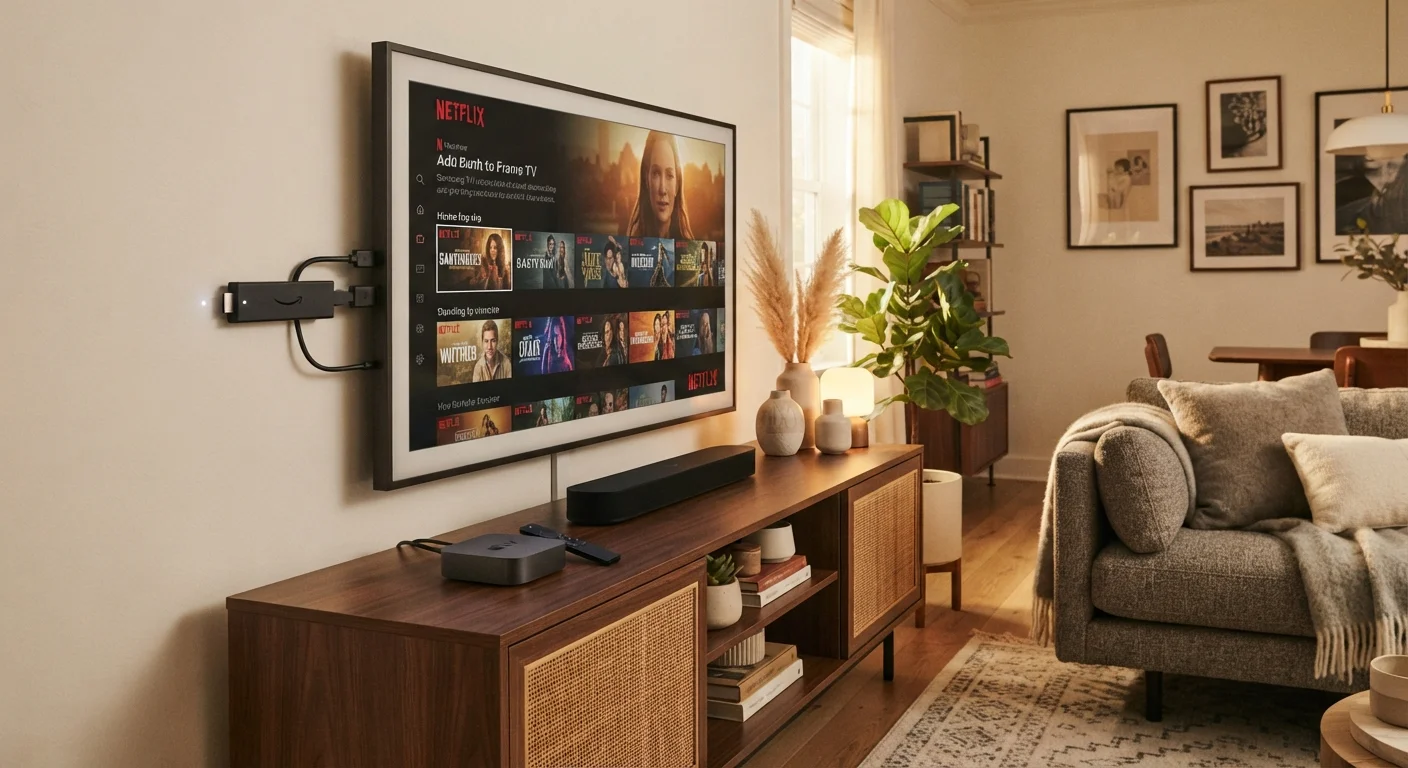
Our Verdict
Smart TVs are the most convenient choice for anyone buying a new television, since streaming is already built in. Streaming sticks are an affordable, portable upgrade for older TVs. Set-top boxes suit households that want a more powerful, versatile hub — especially if live TV or a broader app library matters.
| Best for | Recommended |
|---|---|
| Those replacing an older TV and wanting an all-in-one solution | Smart TV |
| Those with a working non-smart TV and a limited budget | Streaming Stick |
| Those who want maximum app support, live TV, or faster performance | Set-Top Box |
| Those who move between rooms or travel and want portability | Streaming Stick |
What Each Device Actually Does
If you've ever stood in an electronics aisle — or scrolled through listings online — wondering whether you need a streaming stick, a set-top box, or just a smarter TV, you're not alone. The marketing language around these products tends to blur together. Let's separate the concepts.
Smart TVs are televisions with internet-connected software built directly into the screen. There's no extra box or dongle — the TV itself connects to your Wi-Fi, and apps like Netflix, YouTube, and Disney+ come pre-installed or are available through an on-screen app store. If you're setting one up for the first time, check out our step-by-step guide to setting up a new smart TV.
Streaming sticks (sometimes called streaming dongles) are small thumb-drive-sized devices that plug into a TV's HDMI port. They turn almost any screen with an HDMI input into a smart TV. They draw power through a USB cable or adapter and are controlled by a separate remote.
Set-top boxes sit on or near your TV and connect via HDMI. They're physically larger than sticks, contain more powerful processors, and often support a wider range of apps, voice assistants, and sometimes over-the-air antenna or cable integration.
How They Compare Across Key Factors
The right choice depends on what you already own, what you want to watch, and how much flexibility you need. Here's a structured look at how these three options stack up.
| Smart TV | Streaming Stick | Set-Top Box | |
|---|---|---|---|
| Setup complexity | Low — built in | Very low — plug and play | Low to moderate |
| Requires existing TV | No — is the TV | Yes — any HDMI TV | Yes — any HDMI TV |
| Portability | None | High — pocket-sized | Low — stationary device |
| Processing power | Moderate | Moderate to low | Typically higher |
| App library | Varies by manufacturer | Wide, platform-dependent | Generally the widest |
| Live TV / cable support | Rare | Rare | Available on some models |
| Typical upfront cost | Higher (TV included) | Lower | Mid-range |
One factor worth highlighting: processing power. Smart TVs and streaming sticks often share processors that are adequate for everyday streaming but can slow down over time as apps become more demanding. Set-top boxes typically offer more headroom, which can mean snappier navigation and smoother 4K playback — particularly relevant if your household streams a lot or uses multiple apps simultaneously.
Check Your Smart TV's App Store First
Before purchasing a separate streaming device, open your smart TV's built-in app store and search for the apps you actually use. Many modern smart TVs support all major platforms. A separate device only adds value if your TV's software is slow, outdated, or missing an app you need regularly.
The Network Factor: All Three Depend on Your Wi-Fi
Regardless of which device you use, the quality of your home internet connection determines your actual streaming experience. A Smart TV running on a slow or congested network will buffer just as much as a streaming stick would. If you're curious about everything that puts demands on your home network — from phones to thermostats — our piece on everything that lives on your home network explains how it all interacts.
Don't Overlook Your Internet Speed
Streaming 4K content typically requires a sustained download speed of around 25 Mbps per stream, according to general industry guidance. If multiple people in your household are streaming simultaneously, your total bandwidth need multiplies. A new device won't fix a slow connection — check your internet plan before assuming the hardware is the bottleneck.
All three device types support both 2.4 GHz and 5 GHz Wi-Fi bands on most modern hardware. The 5 GHz band is faster but has shorter range; 2.4 GHz covers more distance. If your TV or streaming device is far from your router, a wired Ethernet connection (where the device supports it) or a Wi-Fi extender can reduce buffering significantly.
Which Setup Makes Sense for Your Situation
There's no universally correct answer, but a few scenarios can point you in the right direction.
- You're buying a new TV anyway: Modern smart TVs already include the major streaming apps. A separate device may be redundant — at least initially.
- You have an older TV that still works fine: A streaming stick is typically the most affordable and portable way to add streaming capability without replacing the set.
- You want to integrate streaming with live TV channels or a cable subscription: Certain set-top boxes support hybrid setups combining streaming apps with cable or antenna input — worth researching based on your provider.
- You're building out a broader smart home: Some set-top boxes double as smart home hubs. Our guide to getting started with smart home devices covers how streaming and smart home devices can work together.
It's also worth noting that streaming sticks are highly portable — easy to pack for a hotel trip where you want your own apps on an unfamiliar screen. For more on how these device categories fit into a broader connected home picture, see our explainer on smart speakers, displays, and hubs.
The content on this site is for informational purposes only and is not a substitute for professional advice. Always consult a qualified professional for guidance specific to your situation.