

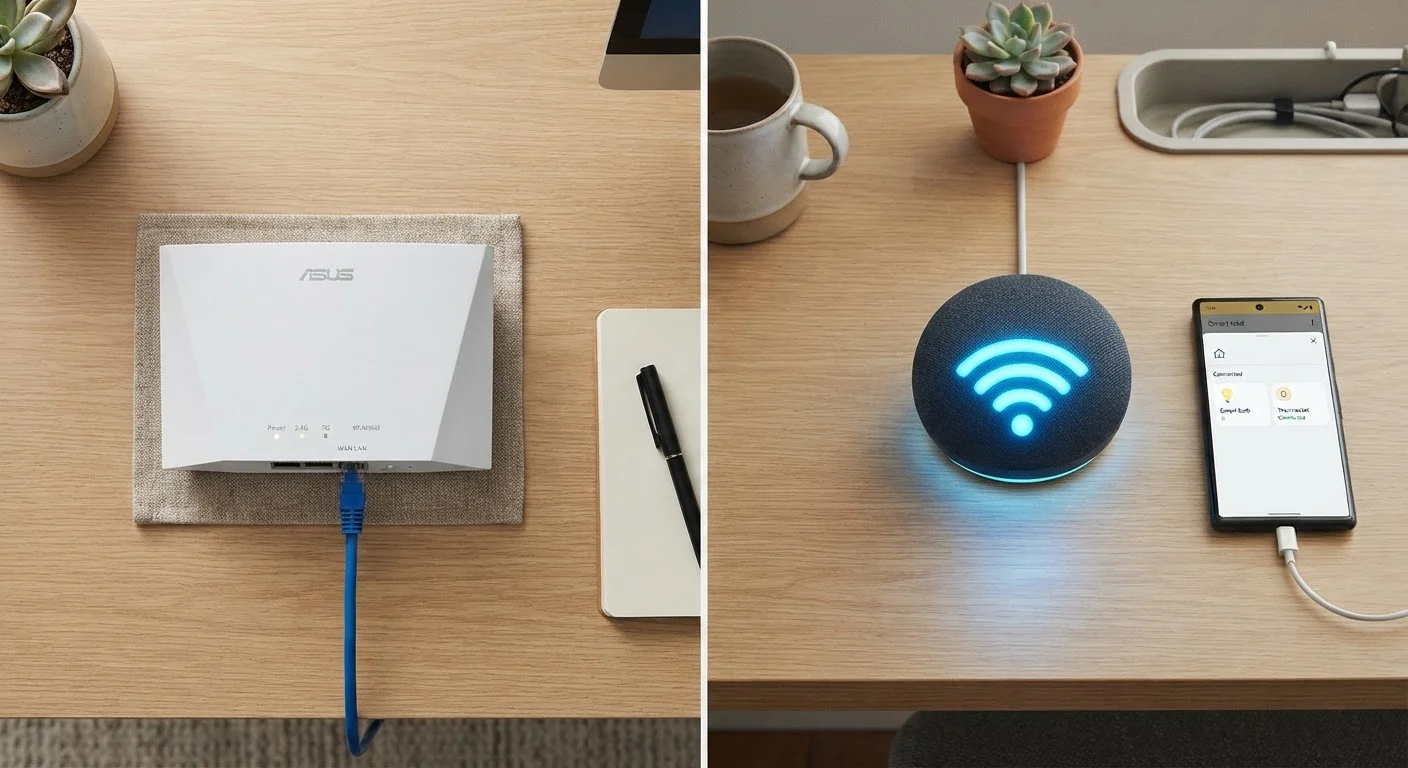
Option A
Wired (Ethernet)
The consistent, high-performance backbone of any home network.
Best for: Devices that demand stable, fast, low-latency connections — like gaming consoles, desktop computers, and streaming boxes.
Option B
Wireless (Wi-Fi)
The convenient, flexible option for devices on the move.
Best for: Smartphones, laptops, smart home sensors, and any device where running a cable simply isn't practical.
What's Actually Different Between the Two?
At a basic level, both Ethernet and Wi-Fi do the same job: they move data between your devices and the internet. The difference is in how that data travels. Ethernet sends it through a physical cable — typically a Category 5e or Category 6 cable (often called Cat5e or Cat6) — that plugs directly into your router or a network switch. Wi-Fi transmits data as radio waves through the air, picked up by a wireless adapter built into your device.
Because a cable creates a direct, closed path for data, it's shielded from the interference that affects wireless signals — things like neighboring networks, microwave ovens, thick walls, or the sheer number of devices competing for airtime. That's why Ethernet tends to win on raw speed, consistency, and latency (the time it takes a signal to make a round trip). Wi-Fi has improved dramatically over the years — particularly with the introduction of Wi-Fi 6 and Wi-Fi 6E — but it still operates in a shared, open environment that introduces variables a cable simply sidesteps.
For a deeper look at how all of your connected gadgets interact, see everything living on your home network.
| Criterion | Wired (Ethernet) | Wireless (Wi-Fi) |
|---|---|---|
| Speed consistency | Very stable, predictable | Variable, affected by interference |
| Latency | Lower (1–5 ms typical) | Higher (5–50 ms typical) |
| Mobility | None — device must stay plugged in | Full — move freely anywhere in range |
| Setup effort | Requires cable routing | Plug-and-play for most devices |
| Interference risk | None | Moderate — walls, devices, neighbors |
| Best device types | Consoles, desktops, smart TVs, NAS | Phones, laptops, smart home sensors |
| Security | Higher — physical access required | Lower — signal travels through air |
When a Cable Makes a Real Difference
Not every device is a good candidate for Ethernet — but for those that are, the improvement can be noticeable. Gaming consoles benefit significantly because online gaming is extremely sensitive to latency. Even a modest reduction in lag can improve responsiveness. Similarly, a desktop computer or home office workstation is almost always in one place; there's no reason to accept wireless variability when a cable runs just as well.
Smart TVs and streaming boxes are another strong case. If your TV is near your router and you regularly stream 4K content, a direct cable connection removes one potential source of buffering. The same logic applies to a network-attached storage (NAS) device — a home server used for backups or media — which routinely transfers large files where consistent speed matters.
~1–5 ms
Typical Ethernet round-trip latency
Wired connections consistently achieve latency well under 10 milliseconds in home network conditions, according to general network performance benchmarks.
~30%
Speed overhead lost to Wi-Fi overhead
Real-world Wi-Fi throughput can fall 20–40% below theoretical maximums due to protocol overhead, interference, and distance, per networking research.
15+
Average connected devices per U.S. household
The number of internet-connected devices in American homes has grown steadily, increasing competition for wireless airtime on shared networks.
It's also worth considering Ethernet for any device that anchors your work-from-home setup. Video conferencing tools rely on both steady download and upload speeds, and a wired connection keeps both more predictable throughout the day.
When Wi-Fi Is More Than Enough
For the majority of devices in most households, Wi-Fi performs perfectly well. Smartphones and tablets move around constantly — a cable would defeat the purpose. Laptops, too, are designed around wireless connectivity, and for web browsing, email, video calls, and streaming music, modern Wi-Fi easily handles the load.
Smart home devices — thermostats, door locks, light bulbs, plugs — send and receive only tiny amounts of data. They don't need the bandwidth that a gaming console or 4K TV demands. Forcing them onto a wired network would be impractical anyway, since most are mounted in walls or ceilings far from any Ethernet port.
Wireless is also the right answer whenever running a cable is genuinely difficult: across multiple floors, through finished walls, or in a rental where drilling isn't allowed. In those situations, a well-placed router — or a mesh Wi-Fi system — can extend reliable coverage to areas where cables aren't feasible.
Powerline and MoCA Adapters: A Middle Ground
If running a new Ethernet cable is impractical, powerline adapters and MoCA adapters offer an alternative. Powerline adapters send network data through your home's existing electrical wiring; MoCA adapters use coaxial cable (the same type used for cable TV). Both can deliver wired-level stability without new cable runs. Performance varies depending on your home's wiring age and layout, so results aren't guaranteed — but they're worth exploring if a direct cable isn't an option.
Curious about some of the assumptions you might have about wireless performance? Common Wi-Fi myths are worth revisiting before you make any changes to your setup.
Making the Right Call for Your Home
A practical approach is to treat Ethernet as your first choice for stationary, high-demand devices — and Wi-Fi as the default for everything mobile or low-bandwidth. You don't have to pick one for your entire home. Most routers support both simultaneously, and mixing them is exactly what most connected households already do, whether they realize it or not.
If you're unsure where your home network currently stands — which devices are connected, how they interact, and where bottlenecks might be hiding — the Gadgets Explained hub is a good starting point for building that picture in plain language. And if wireless versus cellular data is a question on your mind for mobile devices specifically, see Wi-Fi vs. mobile data for a breakdown of those trade-offs.
The bottom line: neither connection type is universally superior. The right answer depends on what the device does, where it lives, and how much that connection matters to your daily experience.
The content on this site is for informational purposes only and is not a substitute for professional advice. Always consult a qualified professional for guidance specific to your situation.